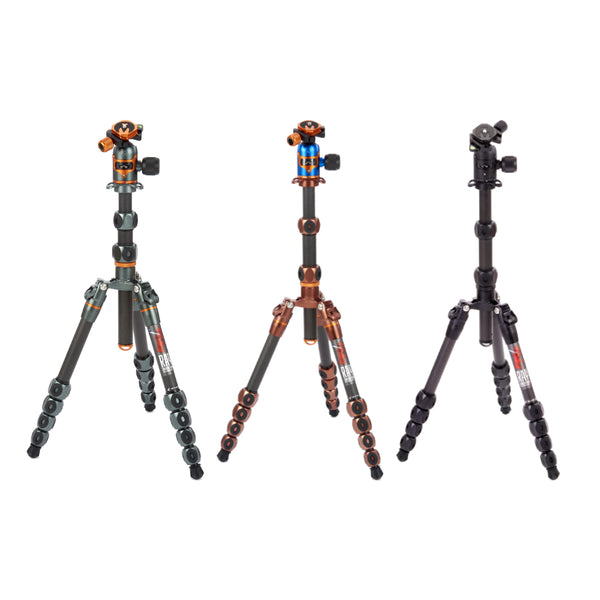
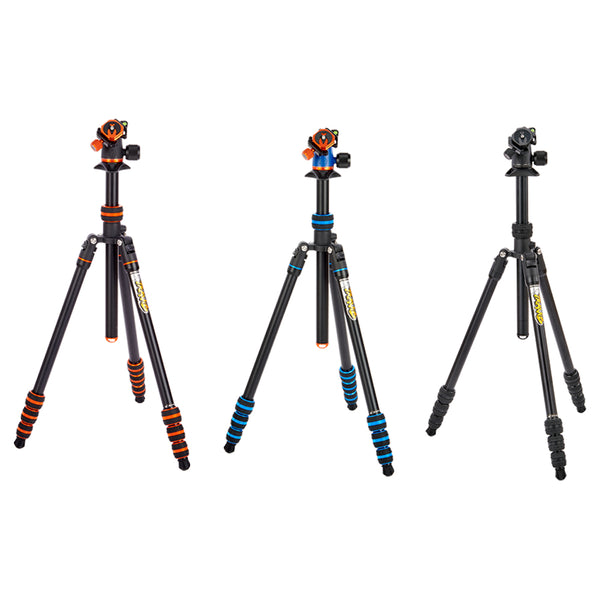
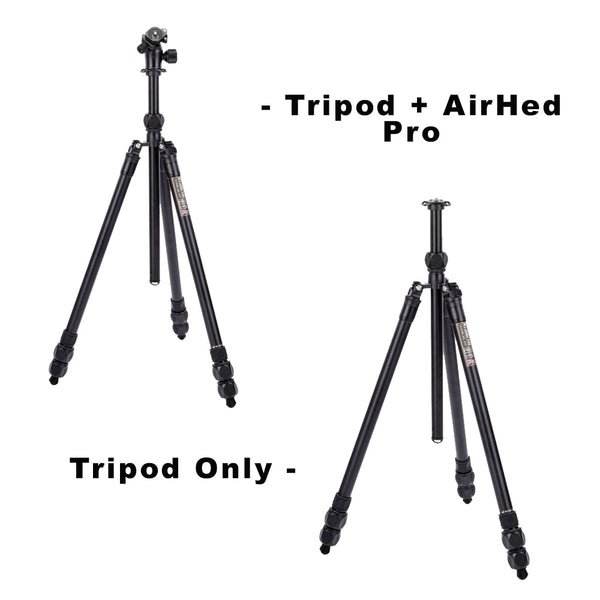
Learn how to use a camera tripod to take better photos.
Tripods are sometimes thought of as a necessary evil in photography, but they really can help you take better photographs. Here we give you 5 simple points on how to use a camera tripod so that you can get the right setup ready to achieve the best photos possible.
1. Location, location, location
Always try to locate your tripod on solid ground. It doesn't necessarily have to be completely level – the tripod legs or a levelling base can help with this – but ensure the feet aren't going to move whilst you're creating an image. Try to avoid locations with vibrations such as traffic or heavy footfall, particularly if you're aiming to take a long exposure, as this could result in your photo being less sharp. Do also consider your surroundings - are you blocking a pathway, or is your tripod likely to get knocked by passers-by?

2. Set the tripod up first
Once you've chosen your location, set up your tripod for optimum stability. Always extend the tripod legs using the thickest sections first. If you don't need the thinner sections to achieve your desired tripod height, keep them retracted. Use the centre column for extra height only where needed, and after you've extended all the leg sections. If you have a multi-section centre column, use the thickest section first.
3. Check and double check
Before you mount your camera, check that your leg and column locks are tightened in place. Apply some pressure to the tripod's central canopy to check the legs. Once you're satisfied everything is stable, unpack your camera and mount it on to the tripod. Keep hold of the camera until you're completely certain you've tightened the clamp correctly and the camera is held securely in place. We recommend mounting the camera with the twist knob or clamp lever positioned underneath the lens - you're less likely to accidentally loosen that whilst adjusting the head.

4. Look, but don't touch
Try using a remote shutter release - a wireless one, a dedicated camera app on your phone that supports your camera, or an old-school wired shutter release can all help you with a hands-off approach. Set up your camera for the correct exposure, add filters if needed, and then when you're ready to capture the moment, step back a little and use the remote release to fire the shutter. Want to know more about remote shutter releases? This article at Shotkit explains more: https://shotkit.com/remote-shutter-release/
5. Consider the weather
Any photographer working outdoors will know that nature and the weather can be unpredictable. Here are a few things you can do to help with wind, rain, or slippery conditions.
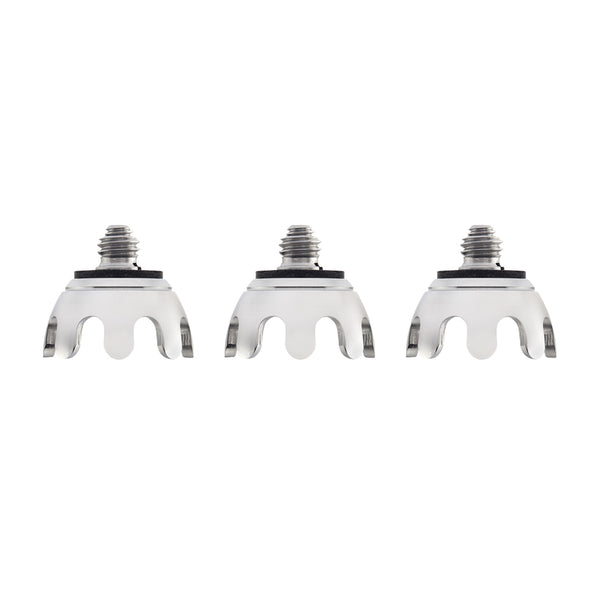
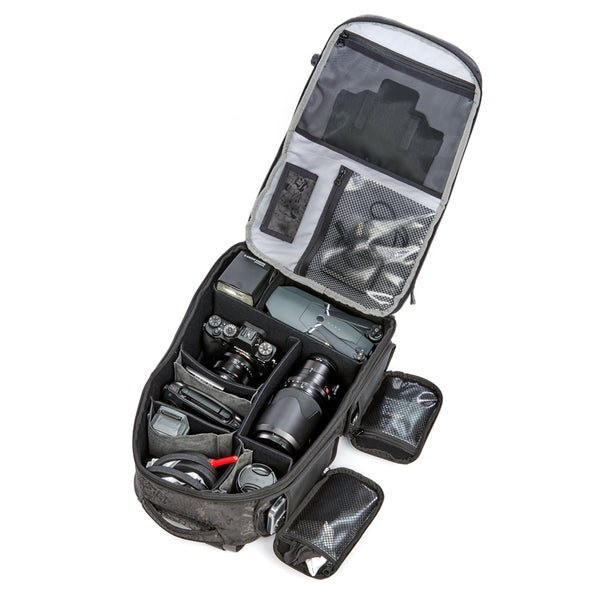
If you're regularly taking photos in windy locations, choose a tripod that's a little heavier, and which has thicker leg sections for extra stability. If you want to add ballast, you can also hang a bag with heavy gear or rocks in to lower the centre of gravity more. In rainy conditions it's worthwhile covering your camera. Many companies make rain covers that can keep your camera gear dry, including Think Tank. If you're going to be photographing in wet, snowy, or sandy conditions, consider changing the feet on your tripod for specialist tripod feet. Ice grips can help when it's slippery or wet, and to spread the load on soft ground. Spikes can help raise your tripod above muddy or wet locations.
 We hope you've enjoyed this blog post and that it's helped you learn how to use a camera tripod to get the best images. If you're looking for a tripod to improve your photography, take a look at our range here: https://www.3leggedthing.com/
If you're creating images using 3 Legged Thing tripods and accessories, don't forget to follow us at https://www.instagram.com/3leggedthing/ and tag us @3leggedthing on social media.